
Photo edit
Change anything. Just describe it.
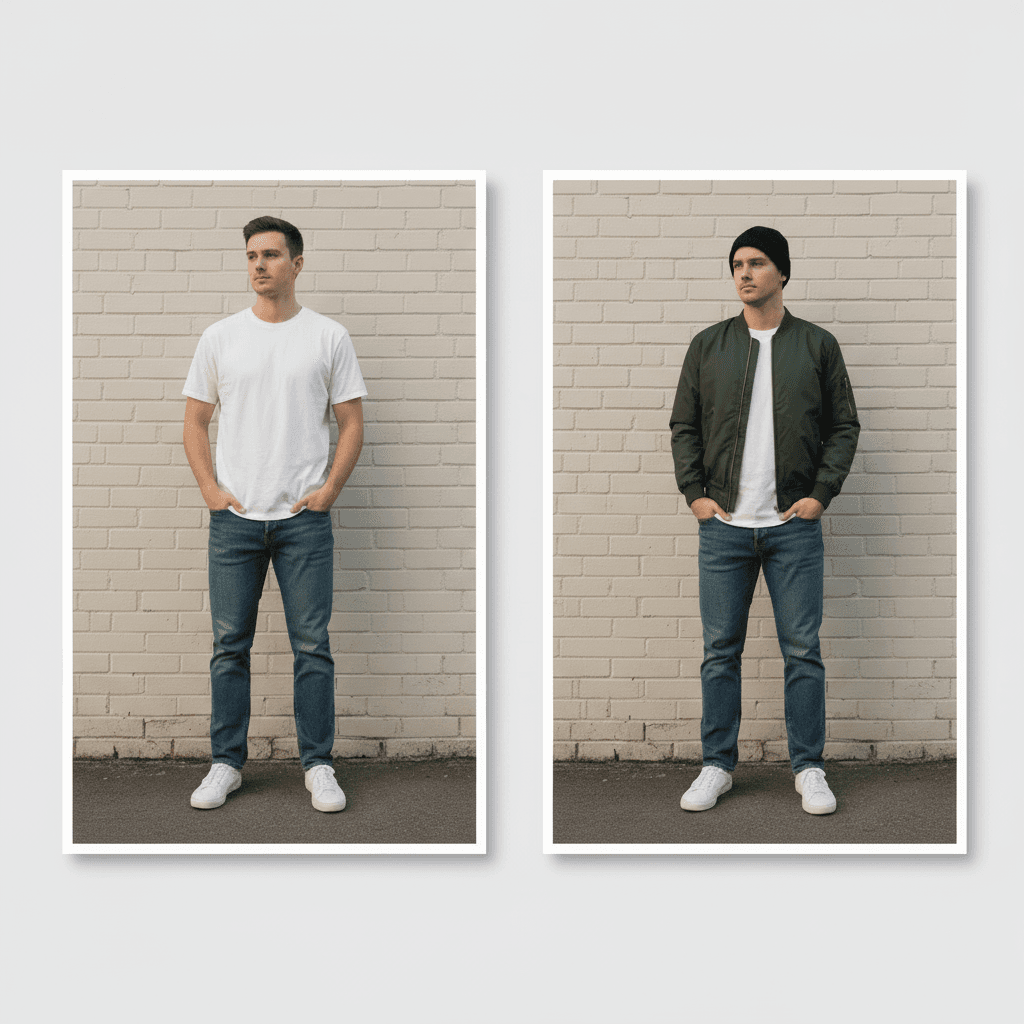
One photo, one sentence, one picture back — then another sentence on top of that picture, and so on. It is the only part of the app that is not limited to what we thought of first.
The chain is the feature
Each instruction works from the picture already on the canvas, so changes stack instead of starting over. Step back to an earlier version and the next change branches from there, rather than overwriting what came after.
- Original
- Version 1“Make the background a city street”
- Version 2“Change the jacket to black”
- Version 3“Shoot it at golden hour”
- Version 4“Add sunglasses”
How an edit works
No masks, no layers, no tools to learn
- 01
Add a photo
Anything you want changed — a look, a garment, a place. Your own photo, or something the app already made for you.
- 02
Describe the change
One sentence. “Make the background a city street.” You watch it resolve: the interim passes the model produces are real, and they cross-fade onto the canvas as they arrive.
- 03
Keep going
The result becomes the new canvas. Type again, and again. Each change is 2 credits and lands in your history as a picture in its own right.
What it costs
2 credits per change.
The rest of the studio
Same app, same credits, same photo to start from.
Get the studio on your phone
Try-on, product shots, collages, edits and outfit ideas in one app. Eight credits when you sign up.
Coming soon to Android